See it before you sign up
Watch the ninety-second walkthrough, then scan the QR code and answer a live campaign on your phone. It is the same page your own respondents would open from a poster or a message.
Demo answers are kept only to show the workflow. Please do not enter real personal data.
The walkthrough
From a form drafted in a chat to a search over the answers, in ninety seconds.
What you will see
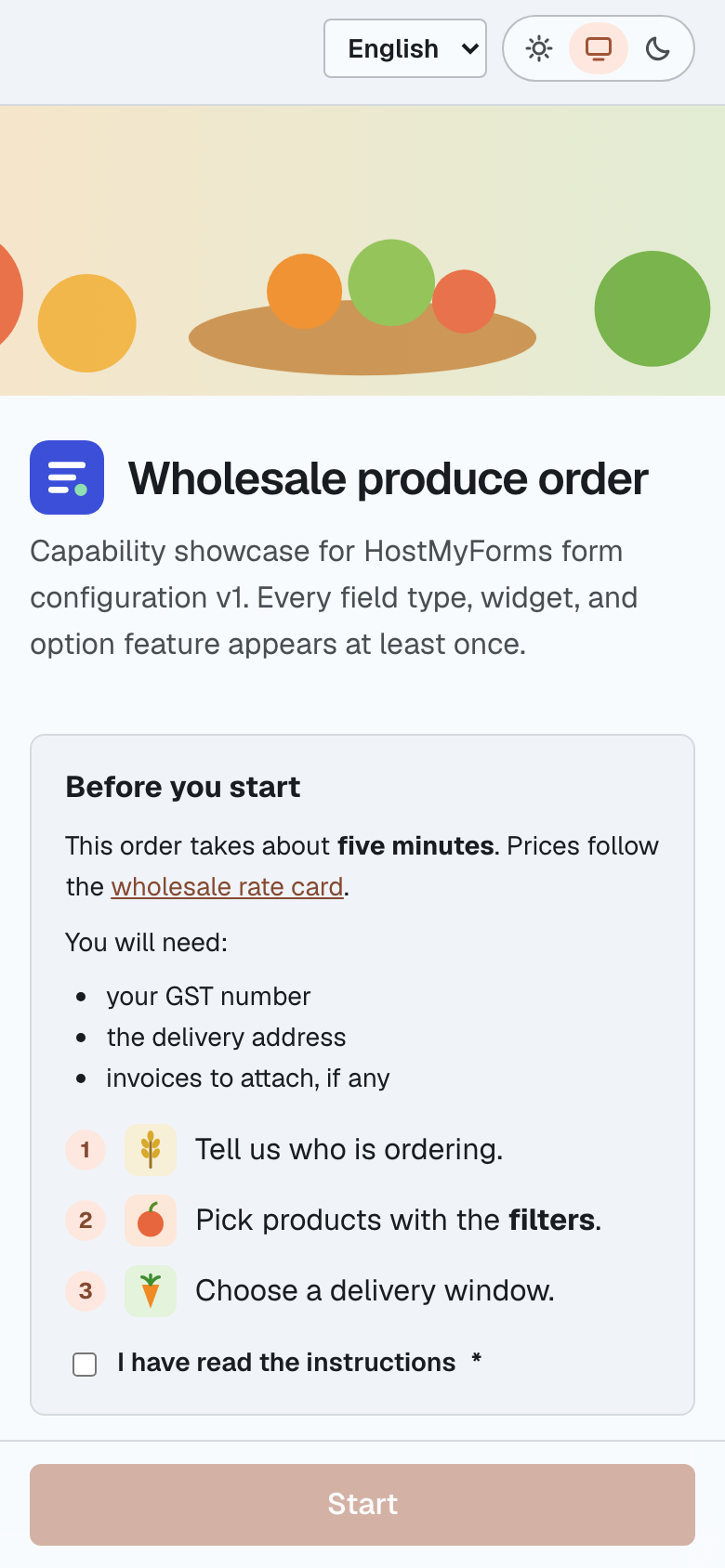
- A wholesale produce order
- One form that uses every field type and widget: text, numbers, choices, dates, ratings, sliders, file upload, and calculated totals.
- Guided steps on a phone
- The campaign uses the guided template. Each section is checked before the next opens, and a stepper shows where you are.
- English and Hindi
- Switch the language at the top. Every label, option, and validation message changes.
- Rules running live
- Sections appear based on earlier answers, totals recalculate as you type, and a repeatable section grows as you add lines.
Then build your own
The playground is the same editor the workspace uses, open to anyone without an account. Import a JSON configuration or start from a sample, and preview it on desktop and phone frames. When it is right, create a workspace and publish it as a campaign.